What I'm Up To

LASERS

Lately, I've been wanting to make some more things by hand. Or maybe just things I can hold in my hand. Also to prepare for the UW Design Career fair, I decided I should get some business cards. Naturally, my mind turned to lasers. When I was a kid, never in my wildest dreams did I think I would be cutting stuff with a laser.
 
2014-03-18 20.06.25.jpg

I think I'd like to add a couple of lines to the card, something like, "designer, maker, photographer" instead of just interaction designer. But maybe less is more here?
sam cook
Albersmania! - Game Design with Processing.

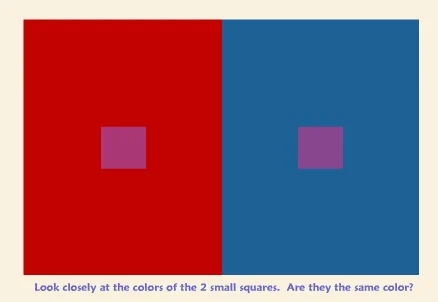
Another Processing project. This time the prompt was to make an interactive game. I tend to really enjoy puzzle games, and games of speed and skill, and started thinking about the color theory stuff we learned early on in the UW design program, about how adjacency can change how color is perceived. I decided on creating a color matching game along the lines of Josef Albers work with squares. 

 
Albers' work around adjacency and color is something we learned early on in our design education.

Albers' work around adjacency and color is something we learned early on in our design education.

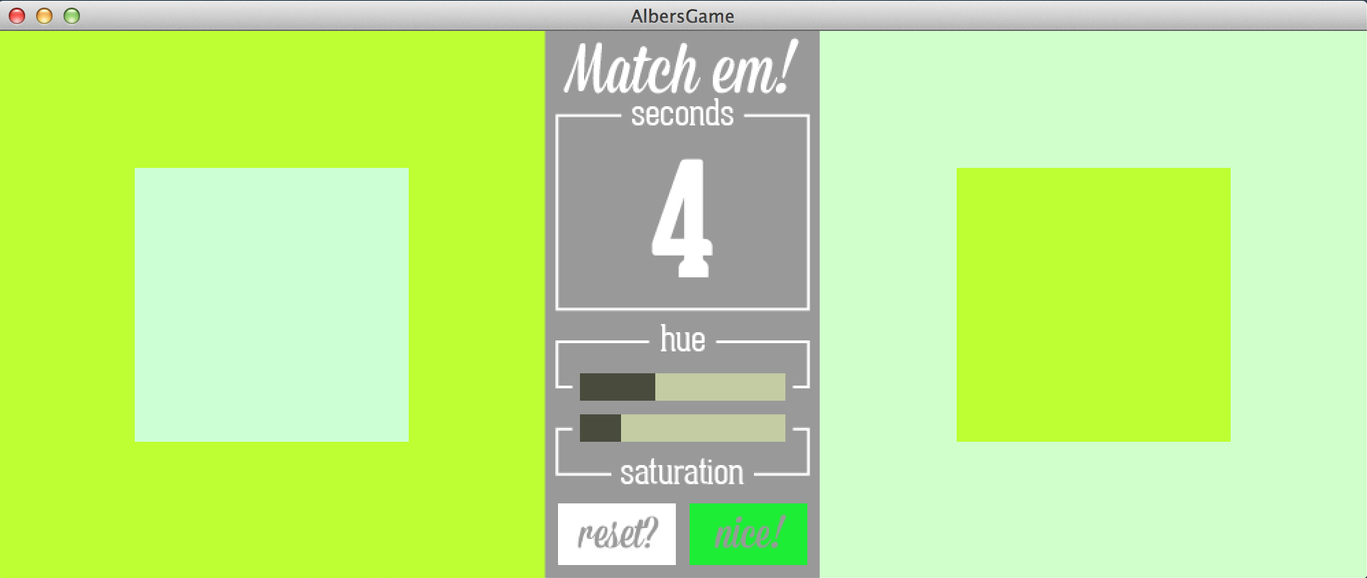
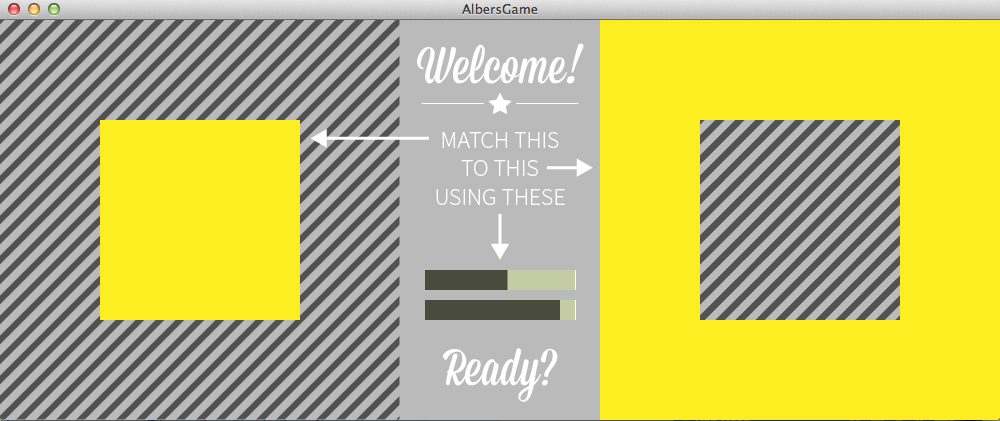
My game, designed and coded in Processing over the course of a couple of weeks. I used the Control P5 library to create the sliders, which I think I'd change if I have some time after graduating. It'd be nice if the sliders more closely represented what they were doing to the colors. The game also features game show music while you're trying to guess, a buzzer if you get it wrong, and a fun bell for correct answers.

You can download the source code here.

 
The start screen of the game.

The start screen of the game.

The play screen, featuring a ticket timer, sliders you can drag around to control hue and saturation, and buttons for resetting/checking.

The play screen, featuring a ticket timer, sliders you can drag around to control hue and saturation, and buttons for resetting/checking.

sam cook
Process-a-sketch

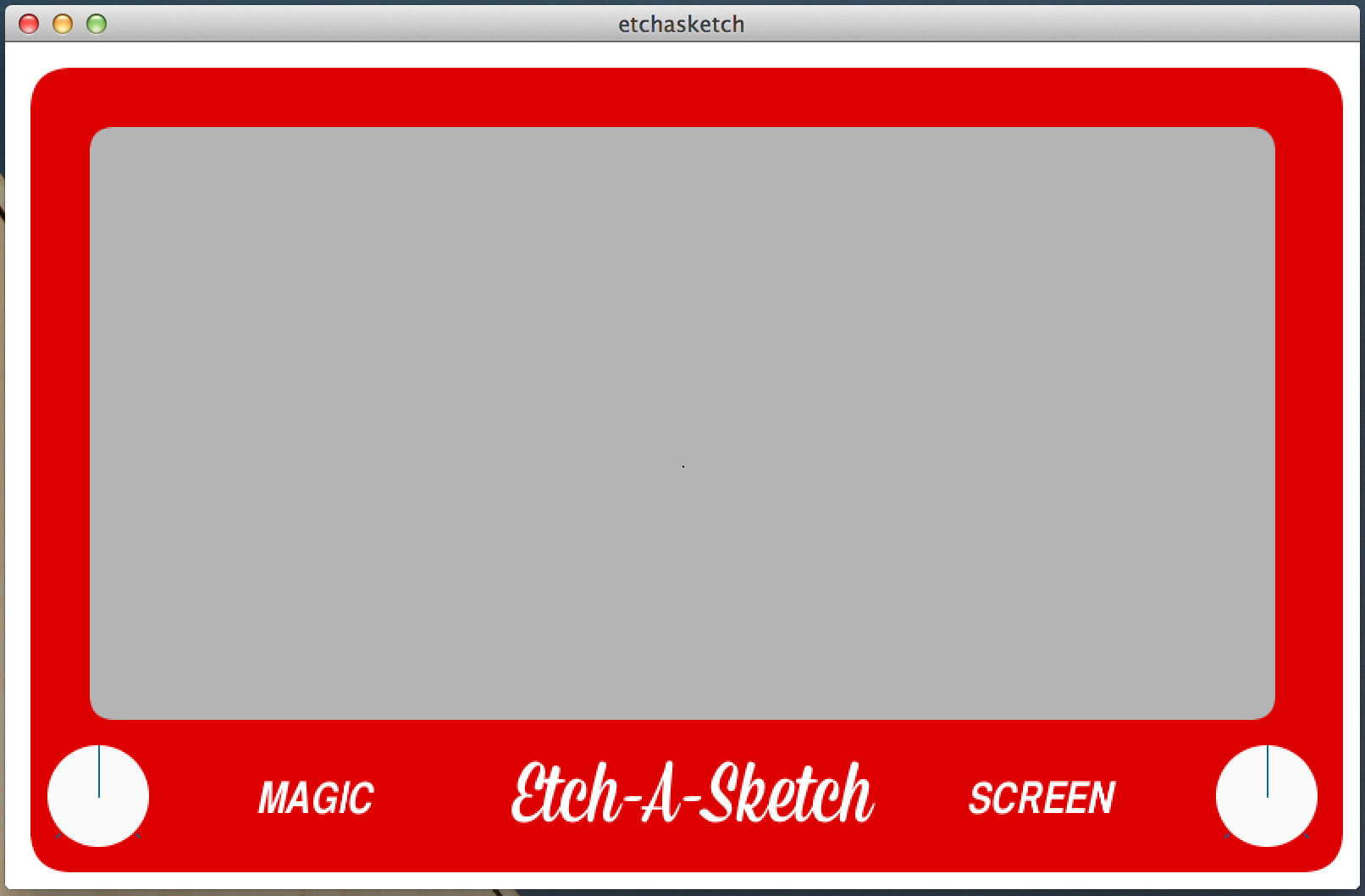
Our most recent processing project is to make something interactive, and I thought, what better way to do this than building a Processing version a classic drawing tool, the Etch-A-Sketch. I brought in the ControlP5 library to build my knobs and control my drawing point. Then I added the ability to clear the drawing surface when you rub your clicked mouse over the drawing surface (my implementation of a "shake"). Here's a screenshot:

 
When I have the time, this summer perhaps, I'll revisit the UI to see about improving it.

When I have the time, this summer perhaps, I'll revisit the UI to see about improving it.

You can download source code here.

sam cook
The Student Voice Project

Something I've been involved in this quarter is called the Student Voice Project. One of the advisors at the School of Art, Liz Copland, put this program together, and it brings together SoA students of different backgrounds and degree tracks, and challenges them to investigate the meaning and value of a creative education, through interviewing students and former alums.

Because I've learned a bit about film and video editing through my time in the design program, I was recruited to help them learn the basics of Premiere Pro and After Effects. It's pretty cool to go from feeling like all you're ever doing is trying to learn and catching up, to being able to teach someone else the stuff you didn't think you really understood.

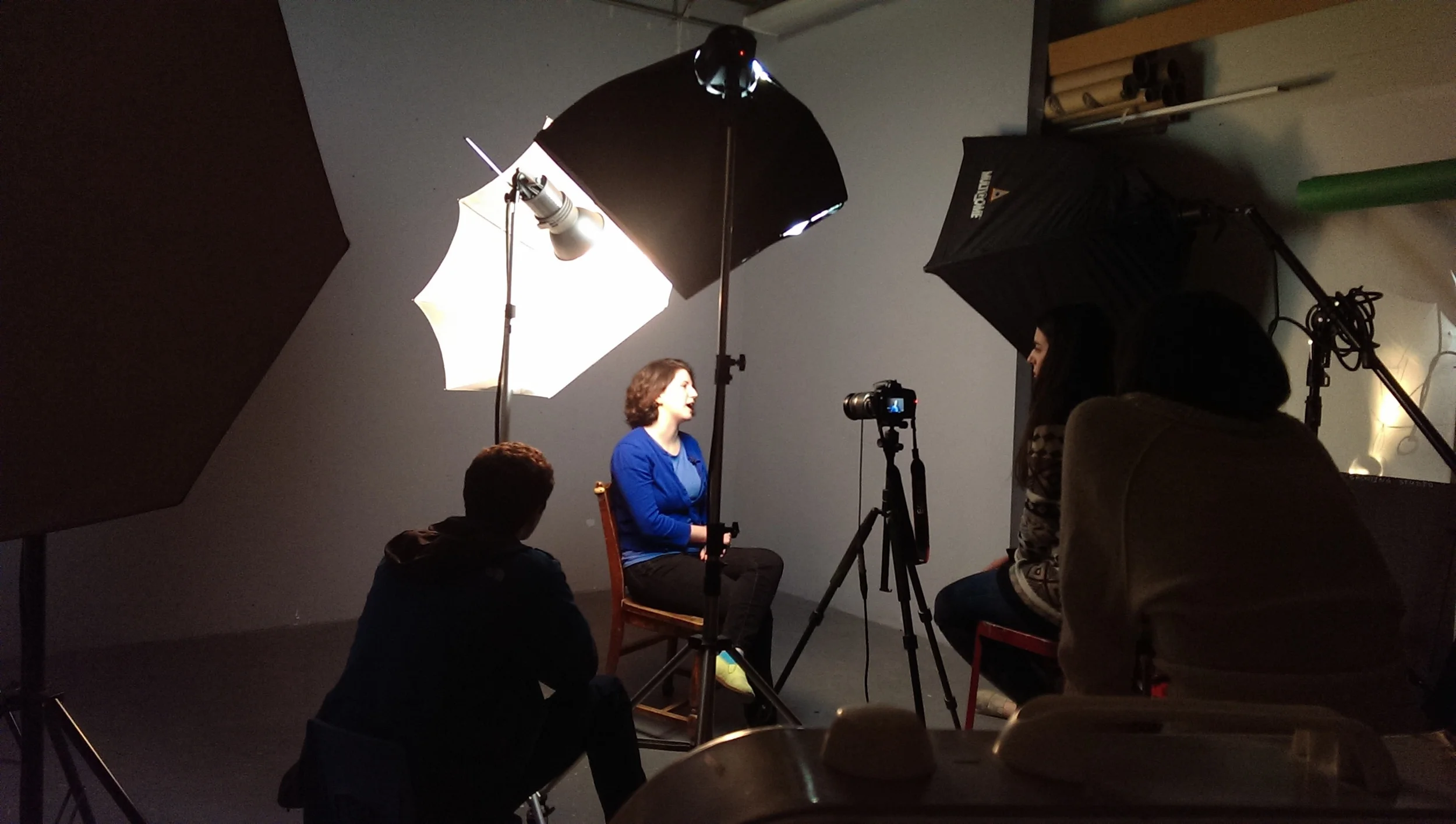
Here's a snap from a recent interview session that I got to sit in on. There are now about 6 students involved in it too, from all different majors!

 
2014-02-07 14.21.20.jpg
sam cook
Generative Design with Processing

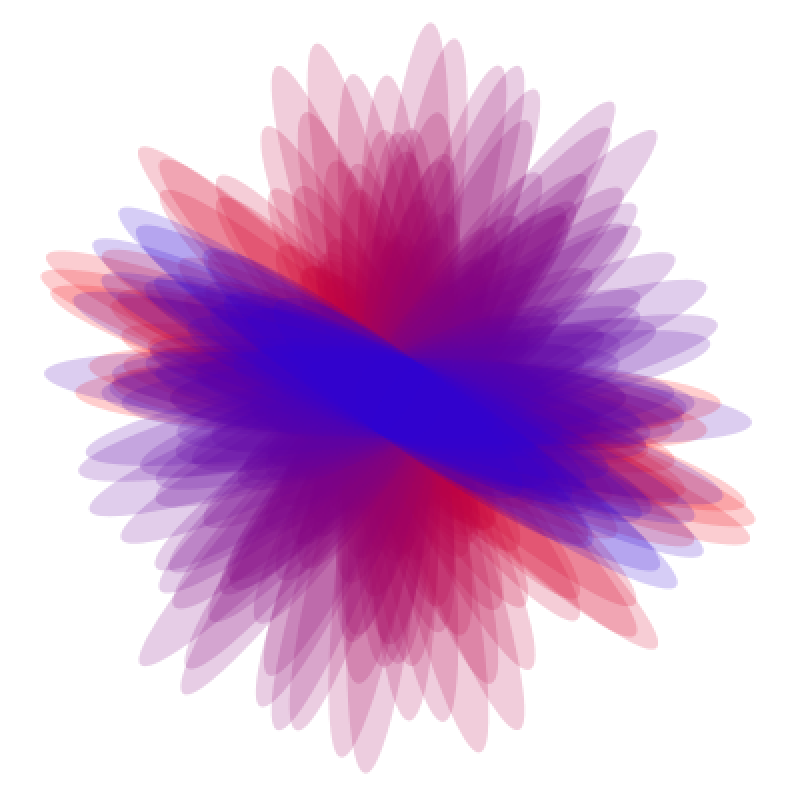
Another Processing project we had this quarter was to draw something random, good looking, and repetitive , with code. This, I learned, is called generative design. The idea is that the design is in how you set the constraints. Then you let some randomness happen and BOOM you've got some art. Here's what I came up with:


What I did was give a random range of widths for the ellipses, but always keep the same height. After each draw, I rotate the matrix a little bit, and draw another ellipse, while also incrementing the R by -1 and the B by +1. You can download the source code here.

 
sam cook